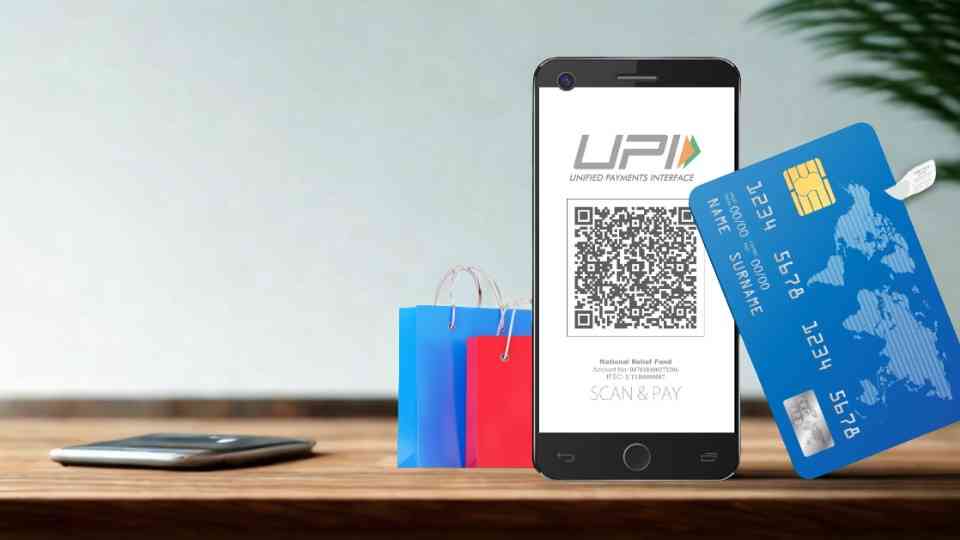
By connecting your credit card to a UPI supported application, you would be able to use your card to pay through UPI as you do with your bank account.
As soon as it is established, you will be enjoying the comfort of UPI and the freedom and benefits of your credit card.
Instructions to connect and make payment through credit card on UPI
Step 1: Select and open up a UPI accepted payment application.
The first step is to launch the app of your choice on your mobile phone (currently, popular apps such as those that connect with credit cards are available).
Download and install the app (unless you already have it), register your mobile number, and make any necessary setup (such as adding your bank account or verifying your number).
Step 2: Choose your credit card as a form of payment.
Log into the app and find the payment methods or settings section and find either the option to add a payment method or link a credit card as the payment option.
Select the payment method credit card, followed by a choice of the bank that issues the card and the appropriate card.
Add the card’s information (card number, the date of expiry, and CVV) and indicate. A confirmation with the help of OTP (one-time password) delivered to your registered mobile number will make sure that the card belongs to you.
Step 3: You may establish your UPI PIN using the card.
After a successful acceptance of your credit card, you will be requested to create a UPI PIN with which you will make payments through your card.
Select a powerful, impressive, memorable PIN (4 or 6 numbers), and validate it. It is a different PIN than your card CVV, which is utilized when transacting through UPI with your card.
Step 4: Check out with payment through your credit card.
Now you’re ready to pay. On the application, tap Send money or Pay a Merchant. You may scan a QR code or key in the UPI ID/mobile number of the recipient.
Enter the amount. On payment source, select your associated credit card. The next thing to do is to input your UPI PIN and approve the payment. The card charges it, however, and UPI processes it.
Step 5: Employee verification of payment and benefits.
Once payment has been completed, then you will be presented with a confirmation screen. Make sure that the right card was utilized. As normal, you can get credit card benefits or bonuses.
The next time you want to pay for something, you can just use the same card (you do not have to repeat the process of linking cards) unless you want to use an alternative source.
Reasons as to why this is useful and what to remember
A combination of ease of use of UPI and benefits like reward points, cash back, and zero interest credit for linking your credit card with UPI is a good one.
You do not need to carry your physical card but instead use your phone as the tool of payment.
Nevertheless, it has a couple of significant exceptions:
- It is best to ensure that your credit card will work in UPI linkage (not all cards/networks are supported by many banks and apps).
- Learn the code of transactions: you generally can use the card to make payment to merchants through UPI (sending money to the shops and online reservoirs) but not necessarily to transfer money personally (P2P) to a friend/family through the card-UPI.
- Monitor your transactions linked to UPI cards just as any card transaction: You will have to pay your card bill and look after the interests or charges.
- Security issues: you should consider the UPI PIN of your card as much as you take care of the CVV or password of your cards. Do not share it.
- Check-up: Once connected, scroll to the billing or card management tab of the app to get the list of the card status and sources of payments.
The UPI payments with credit cards are now very easy to make, as it has only five key steps, telegraphic.
When connected, your credit card is now an option of payment in your UPI app, which gives flexibility and convenience and may allow rewards.
It is recommended to use apps that are trusted and have a secure PIN and enjoy the benefits of combining UPI and card payments.